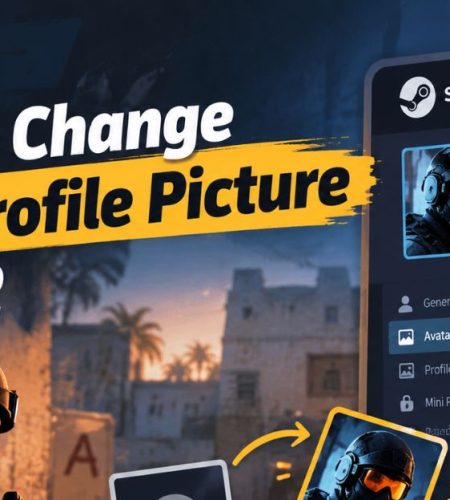
How to Change Your Profile Picture in CS2
Learn how to change your CS2 profile picture through Steam, upload a custom avatar, use animated options, and fix common display issues.
Learn how to change your CS2 profile picture through Steam, upload a custom avatar, use animated options, and fix common display issues.
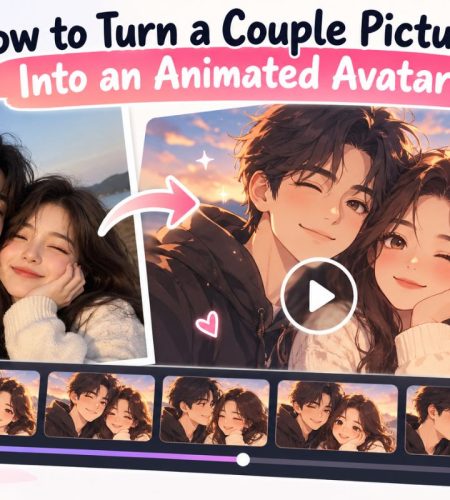
Learn how to turn a couple picture into an animated avatar with AI. Choose a photo, create the animation, and prepare it for your profile.
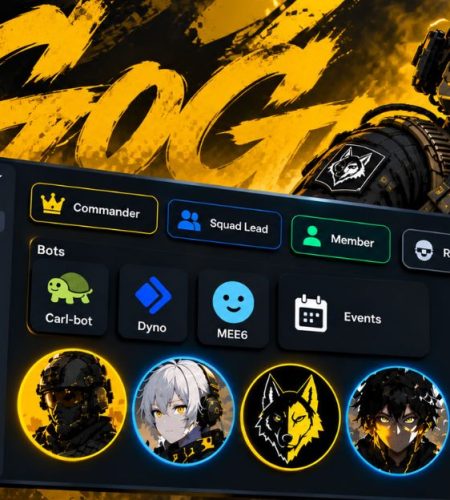
Setting up a WARDOGS faction? Here’s how to organise your Discord with channels, roles, bots, PFPs, bio ideas, and moderation rules.
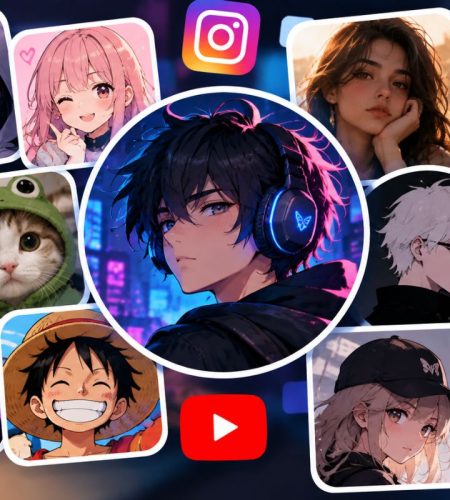
See the profile picture trends taking over social media, from anime and gaming PFPs to AI avatars, GIFs, matching PFPs, and retro styles.
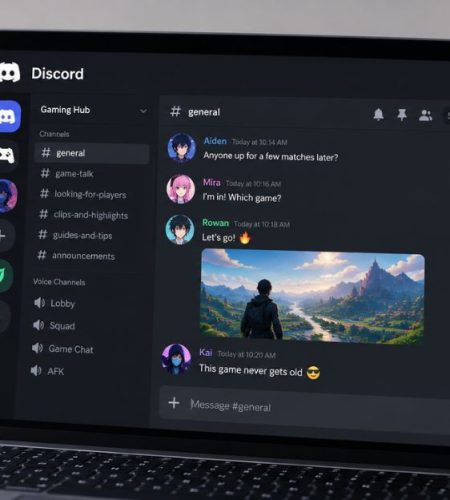
See how gamers use Discord to find communities, communicate with teammates, organize sessions, share content, and stay connected.

Explore the top 10 Discord community topics, from gaming and anime to AI, coding, music, education, finance, sports, and more.

From Fortnite and Call of Duty to Rocket League, discover the games enjoyed by five well-known NFL players.

Esports fans use Discord for more than voice chat. It brings live match reactions, team talk, gaming communities, and everyday conversations into one place.

Discord has become a central meeting place for esports fans. See how live chats, team communities, voice channels, tournaments, and gaming culture turned Discord into a home for competitive gaming communities.
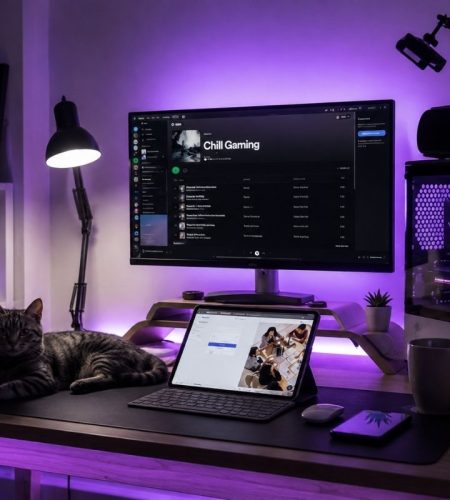
A gaming setup should do more than look good in photos. Learn how to create a comfortable, practical gaming space that stays usable through long sessions.