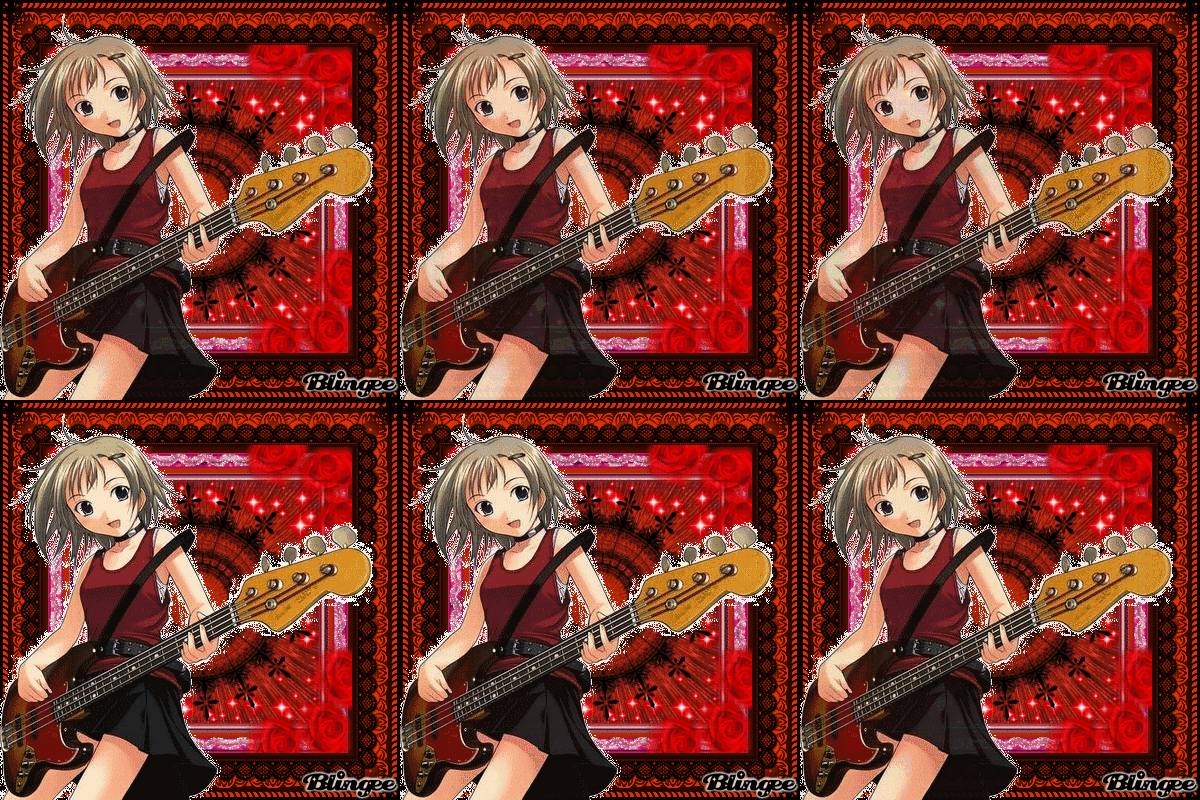
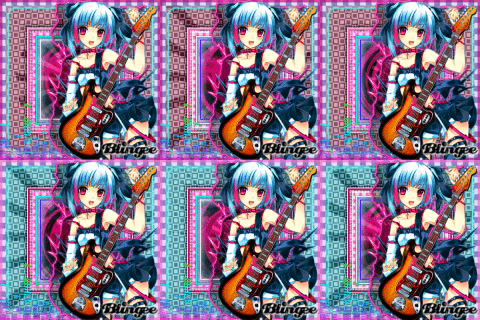
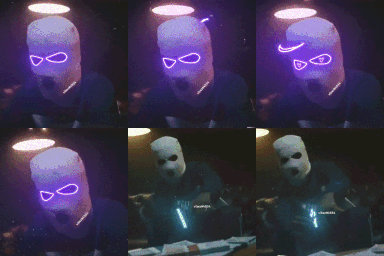
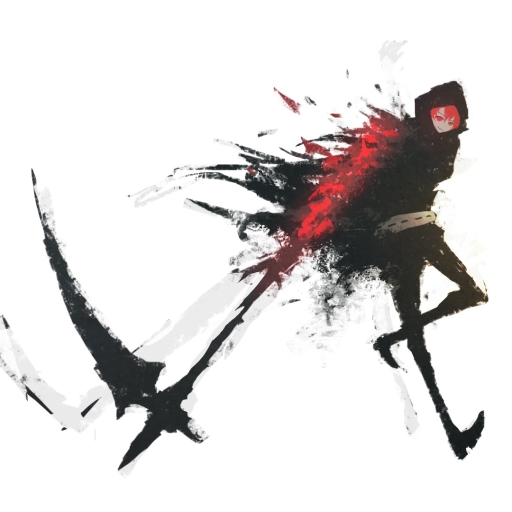
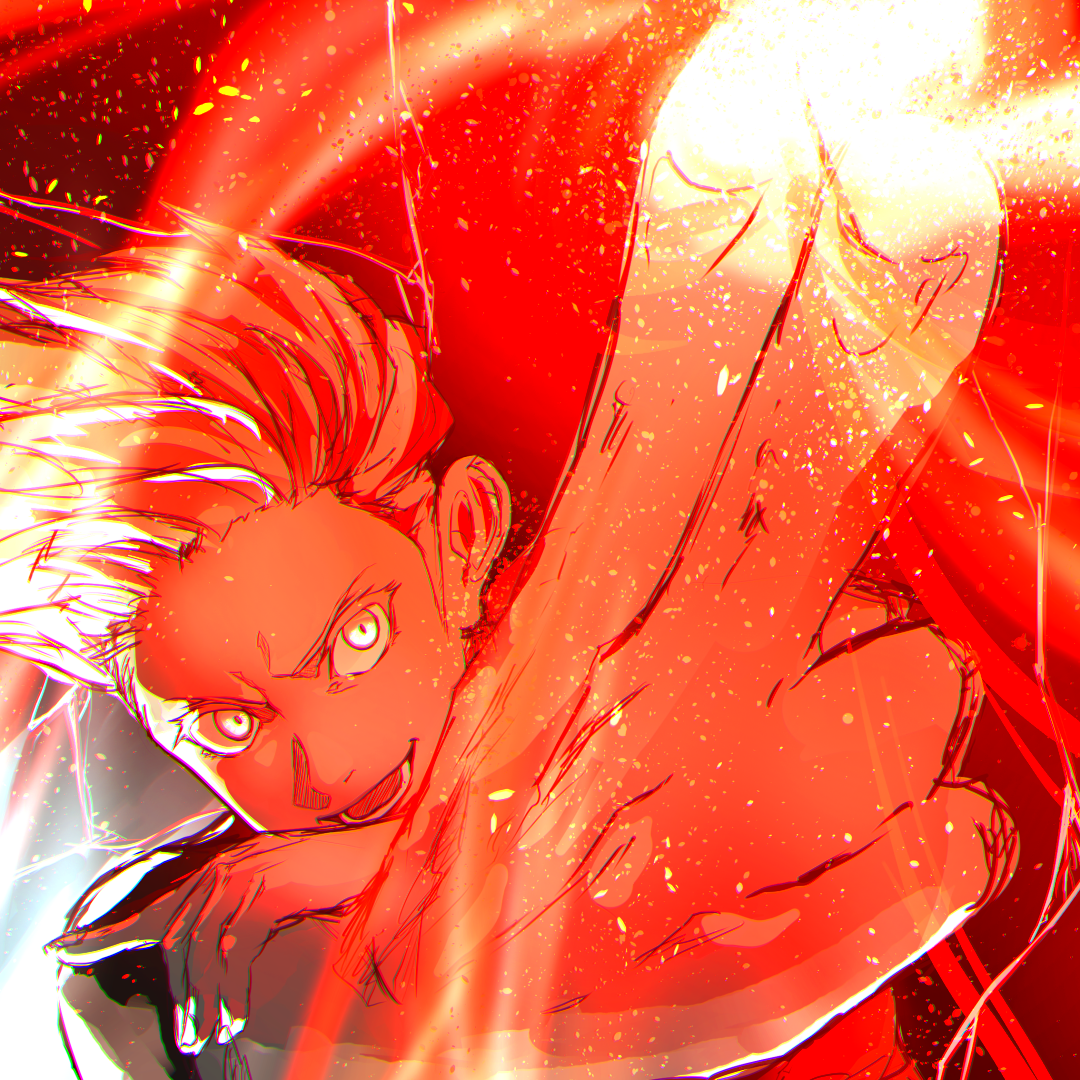
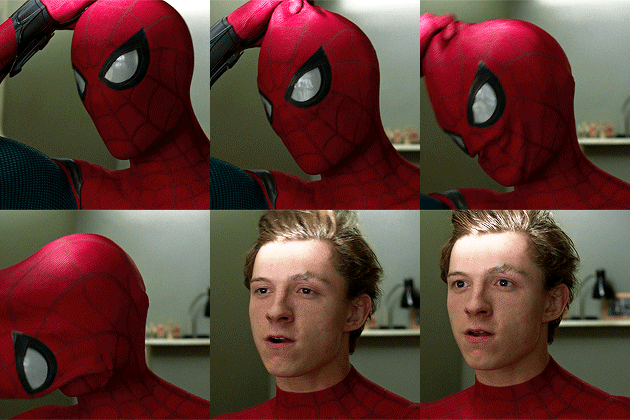
Most Popular Discord PFPs
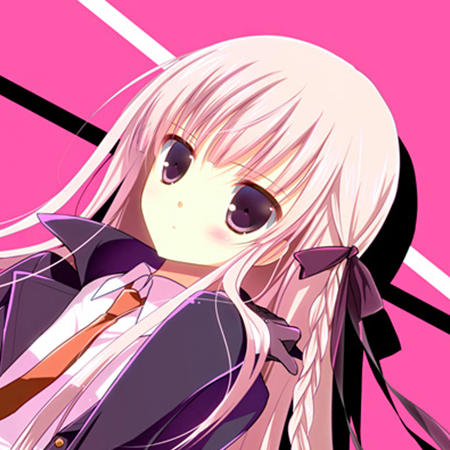
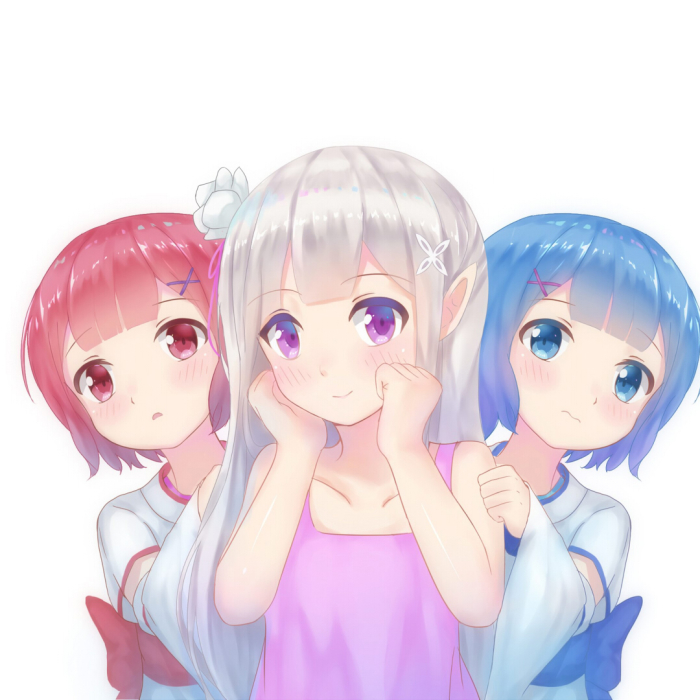
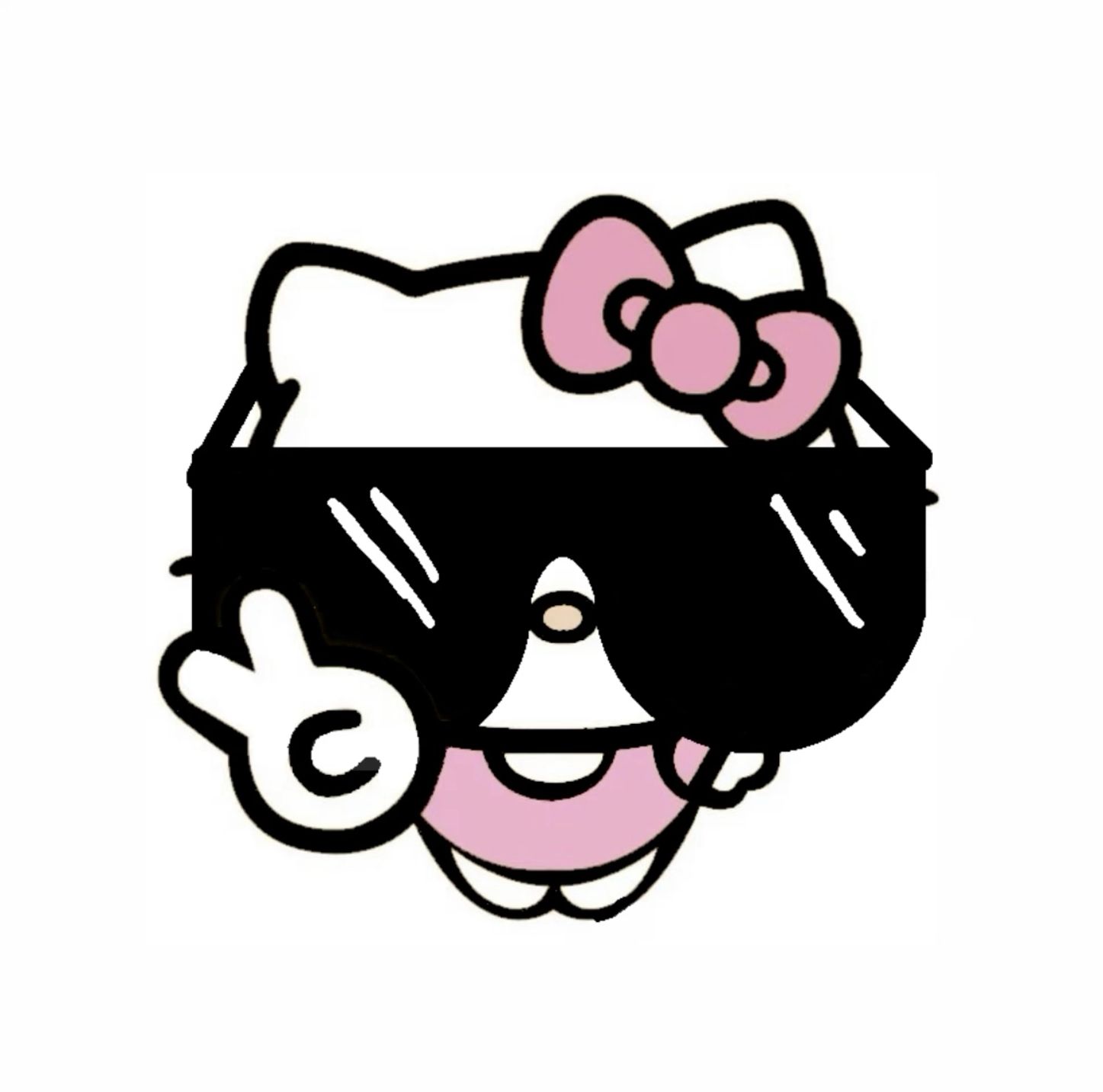
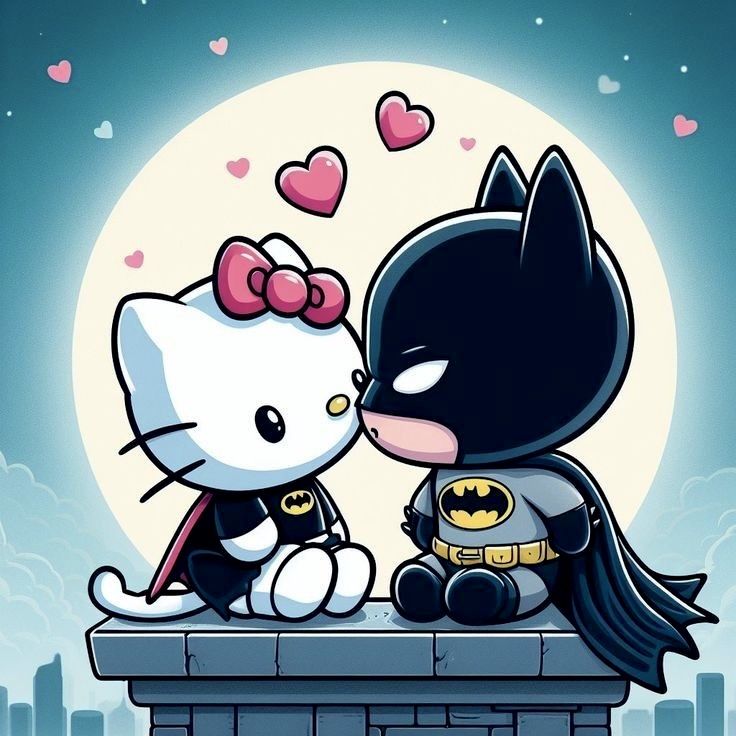
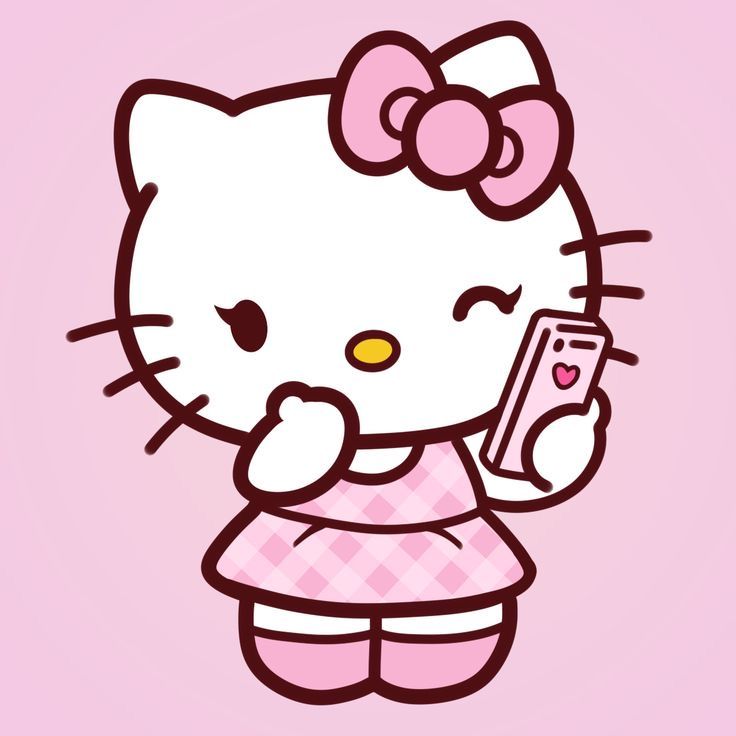
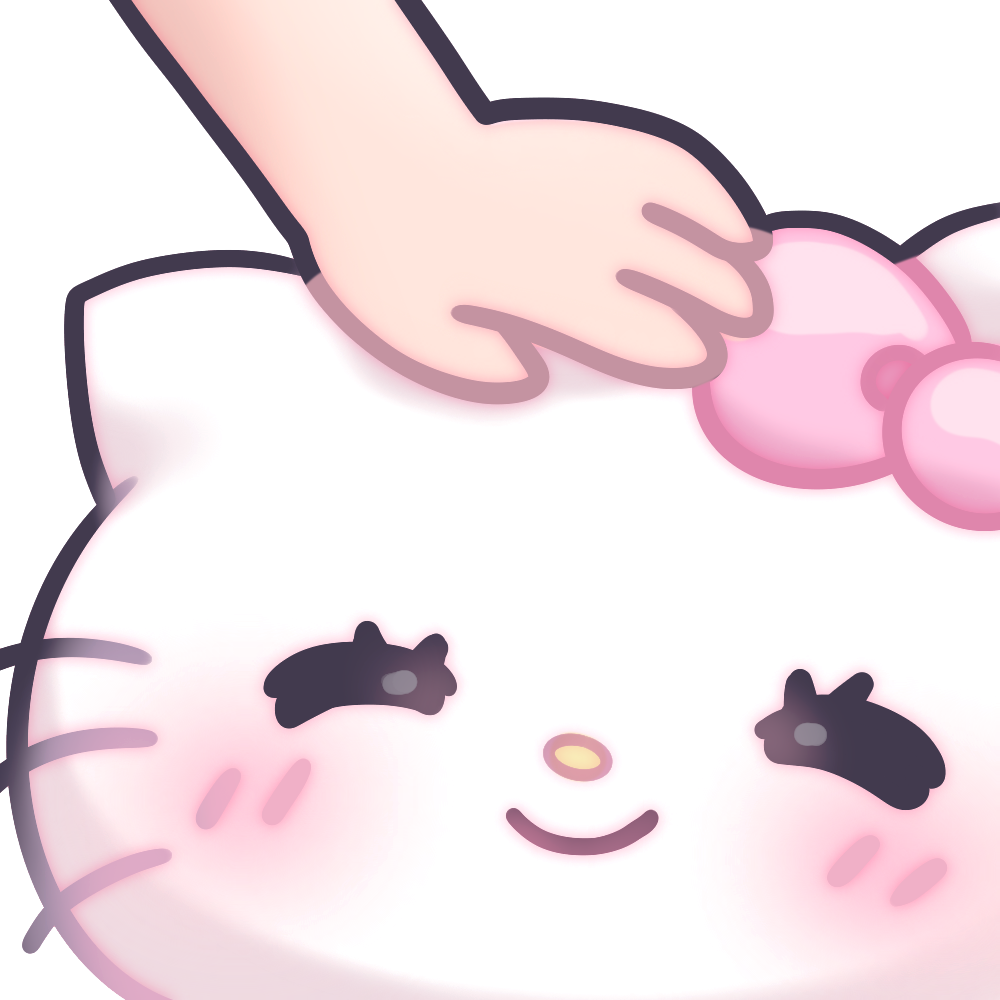
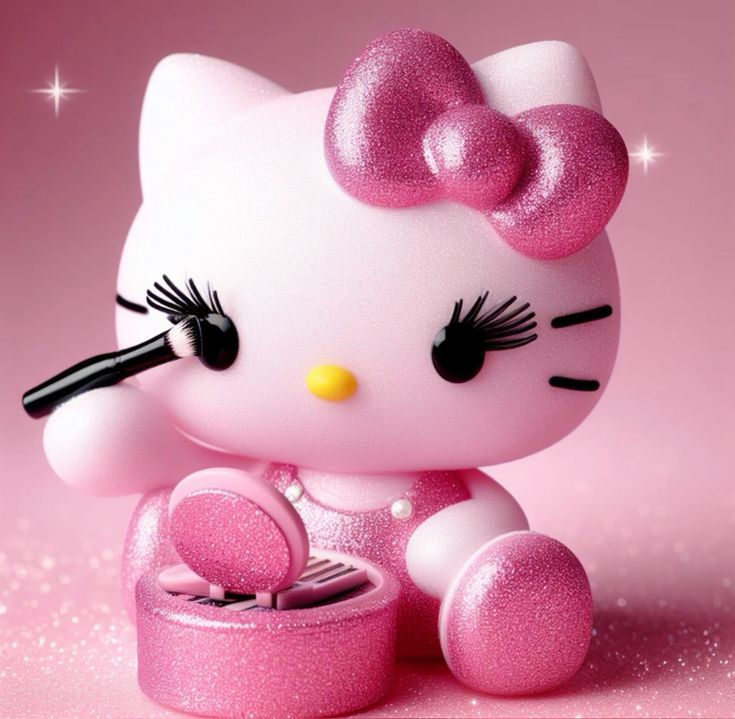
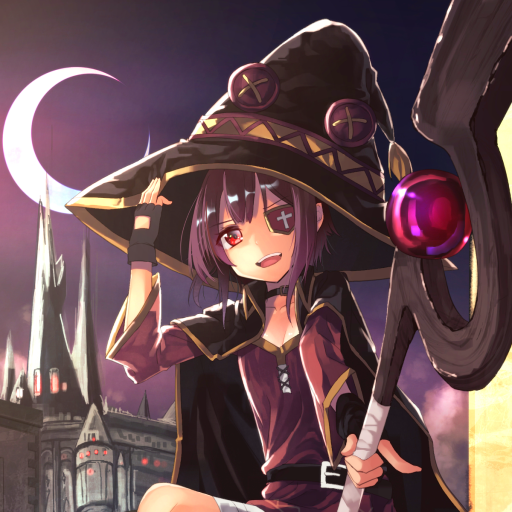
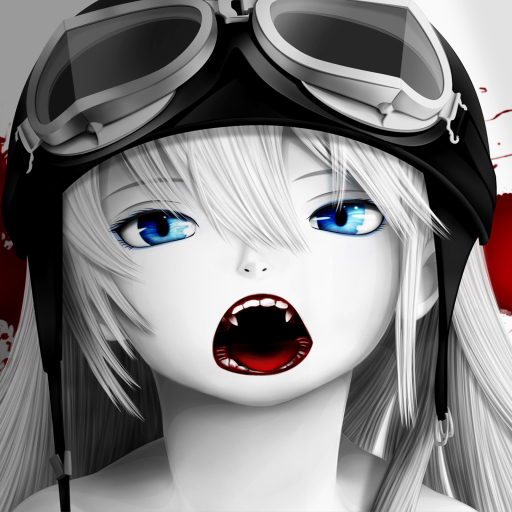
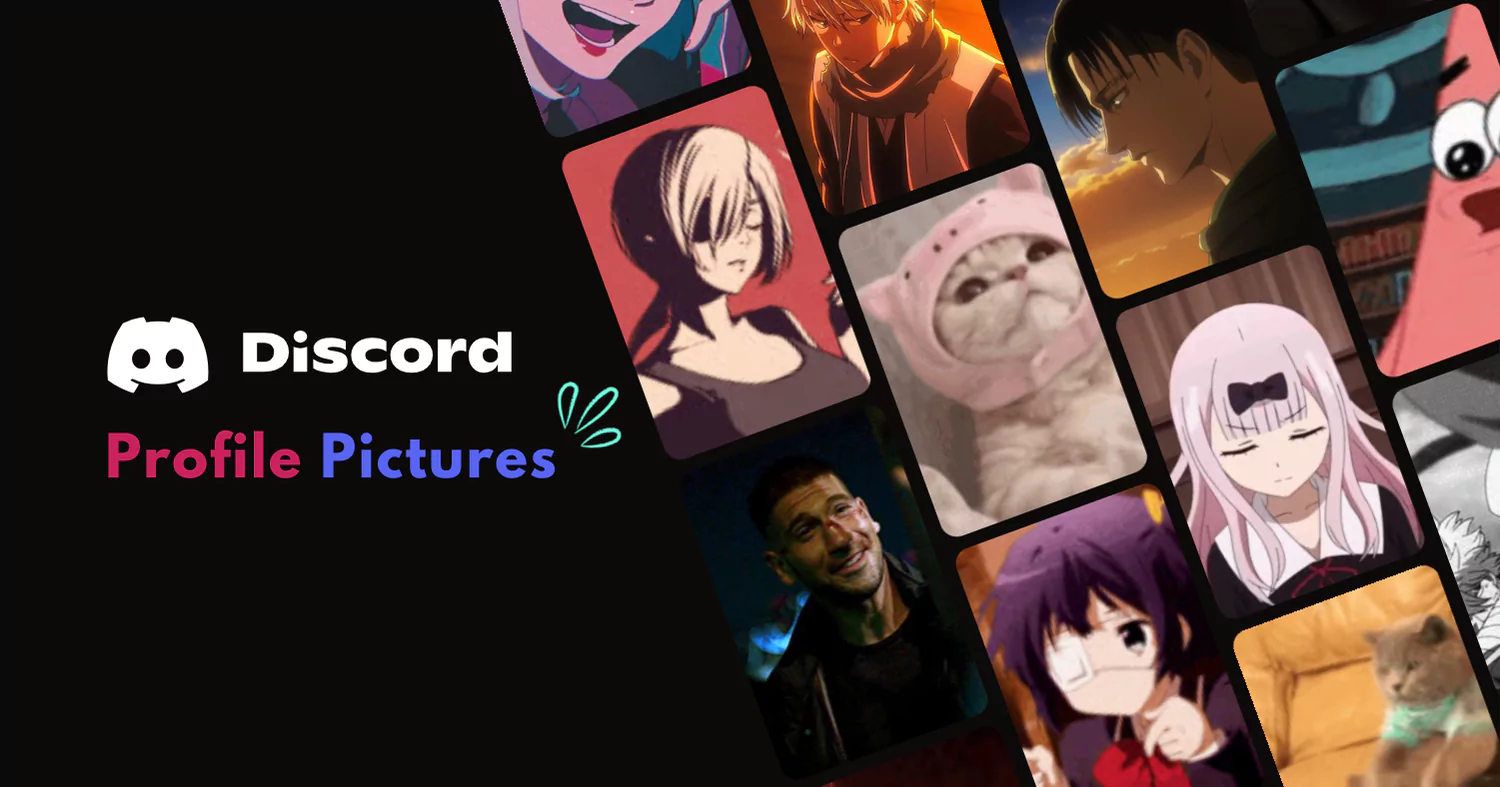
The Discord profile pictures people are downloading most right now — hand-picked, square-cropped to 512×512, and ready to upload in one click. No signup needed.
Browse thousands of the best Discord PFPs and GIFs — anime, aesthetic, cat, matching, and animated avatars. Hand-picked, HD quality, free to download.
The Discord profile pictures people are downloading most right now — hand-picked, square-cropped to 512×512, and ready to upload in one click. No signup needed.
PFPFinder has over 10,000 hand-picked Discord profile pictures across every style — anime PFPs, aesthetic avatars, cute images, cool designs, and funny PFPs. Every image is square-cropped and sized for Discord's 512×512 upload requirement so it looks sharp at any display size.
Looking for something specific? Browse by platform — we have PFPs for Discord, TikTok, and Twitter — or explore themed collections like gaming icons, matching PFPs for friends, and cat avatars. Need a banner too? Check our Discord banners collection.
Browse the gallery or pick a category. Click any PFP to open its detail page, then hit the download button to save it at full resolution. No account, no watermark, no fee.
Explore profile pictures sorted by style — anime, aesthetic, funny, matching, gaming, and more.
A PFP (Profile Picture) is the small square avatar displayed next to your username in every Discord server, DM, and voice channel. It is your visual identity on the platform — the first thing people see when you send a message or join a call. A great PFP makes you instantly recognisable, expresses your personality, and makes your profile stand out in a busy server member list.
Because Discord renders avatars at 128×128 pixels (and sometimes as small as 32×32 in compact mode), the best PFPs share a few traits: a clear subject centred in the frame, strong contrast against both dark and light themes, minimal fine detail that disappears at small sizes, and a square aspect ratio with no important content near the edges. Solid-colour or gradient backgrounds tend to hold up better than busy scenes.
Quick Tip: Upload at 512×512 pixels for the sharpest result. Discord accepts PNG, JPEG, GIF, and WebP up to 8 MB. Animated GIF avatars require Discord Nitro.
Free tools to view, download, and manage Discord profile pictures and server info.
Discord recommends uploading a square image at 512×512 pixels (minimum 128×128). The file can be up to 8 MB. Discord displays avatars at 128×128 in most contexts and as small as 32×32 in compact mode, so keep your subject centred and avoid fine detail near the edges. Supported formats are PNG, JPEG, GIF, and WebP.
Use our free Discord PFP Downloader — paste a username or user ID to view and save the profile picture at full resolution. Alternatively, on desktop you can right-click someone's avatar in Discord, choose Open Link, then right-click the image and select Save Image As.
Common reasons: the image exceeds 8 MB, is not a supported format (PNG, JPEG, GIF, WebP), or Discord's servers are temporarily having issues. Try resizing the image, switching to a stable connection, or restarting the app. If the problem persists, check discordstatus.com for outages.
Animated avatars (GIFs) require an active Discord Nitro subscription. Once subscribed, go to User Settings → Edit User Profile → Change Avatar and upload a GIF file. Without Nitro, Discord will use only the first frame of any GIF you upload. Browse our animated Discord PFPs collection for ready-to-use options.
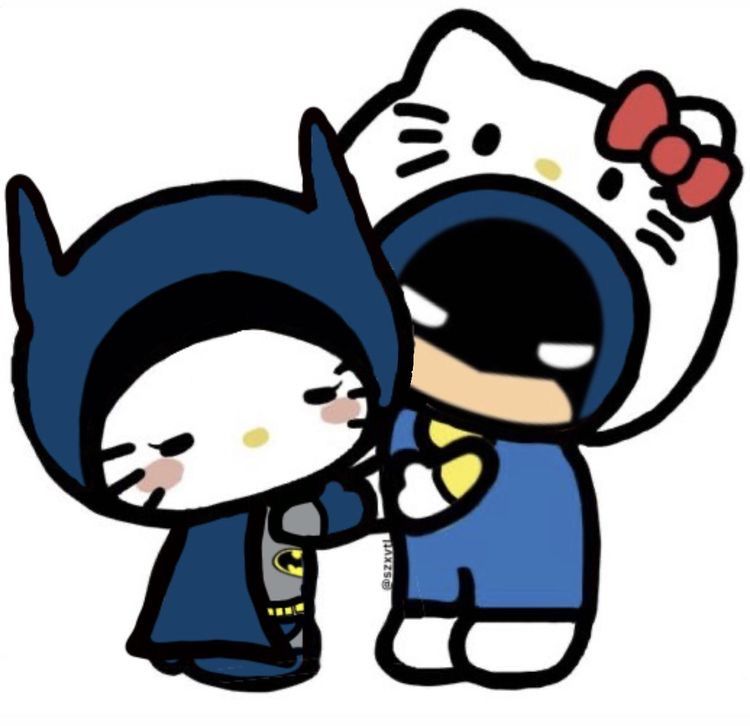
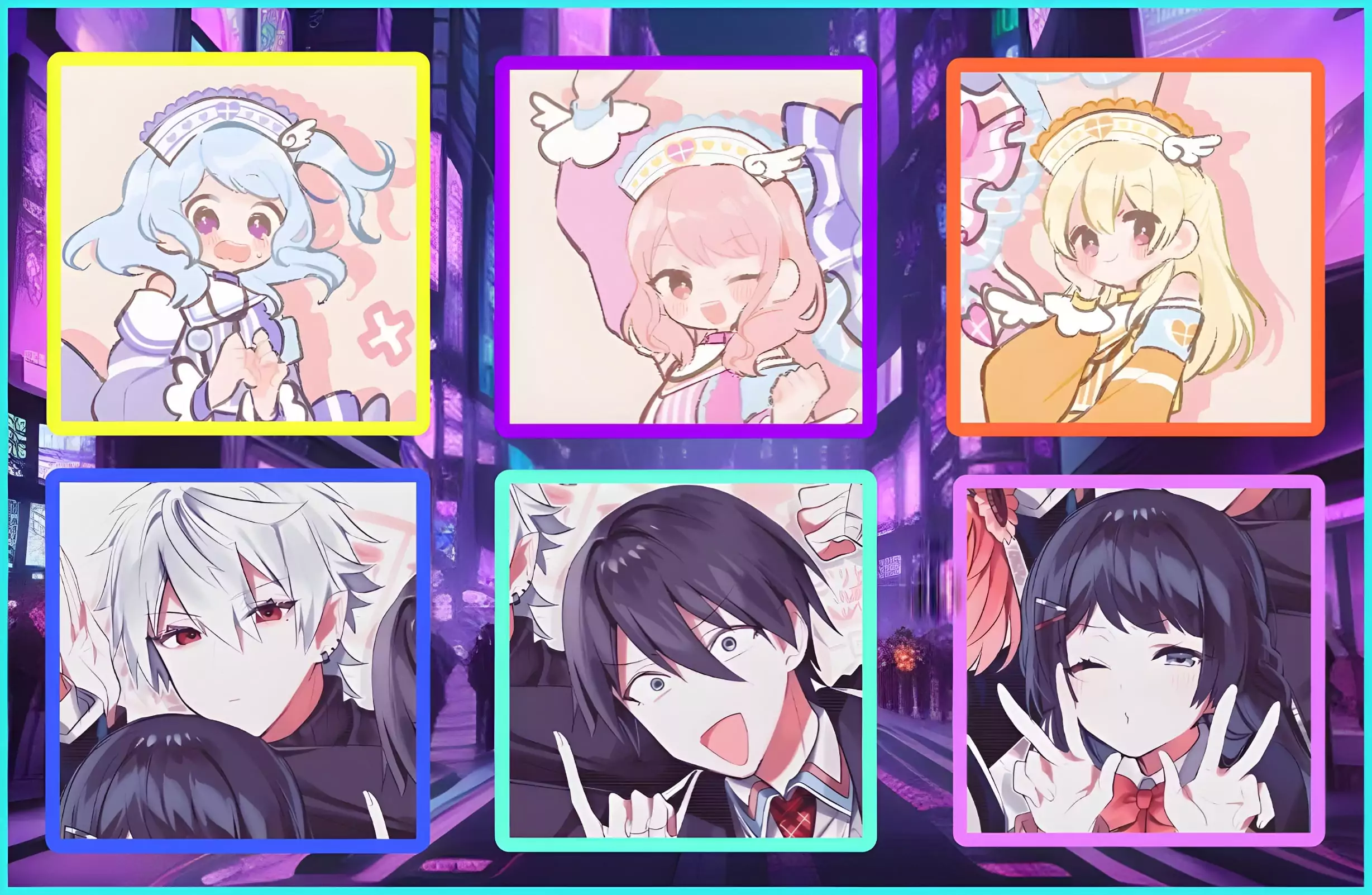
Matching PFPs are sets of two or three coordinated profile pictures — usually from the same artwork split across multiple images — used by friends or couples to show their connection in a server. Browse our matching PFP collection for duo sets, or our trio matching PFPs guide for three-person sets.
Explore our newest guides to help you create and improve your profile pictures.
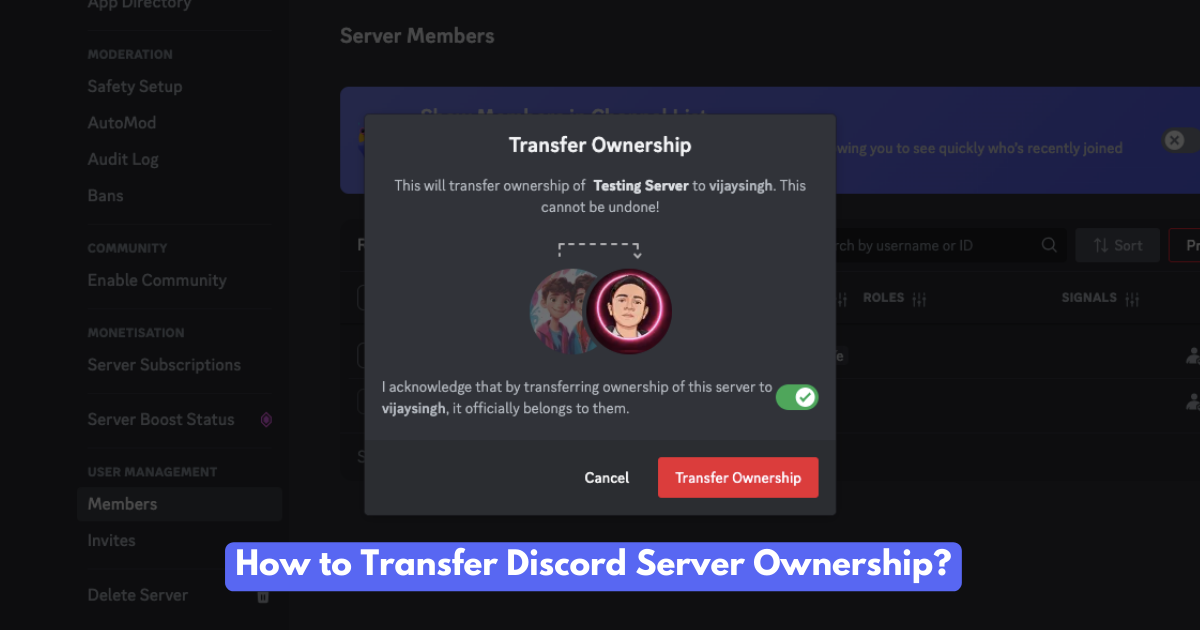
Want to hand over your Discord server? Learn how to transfer ownership, the reasons people do it, and what happens afterward. A complete guide!
Read More
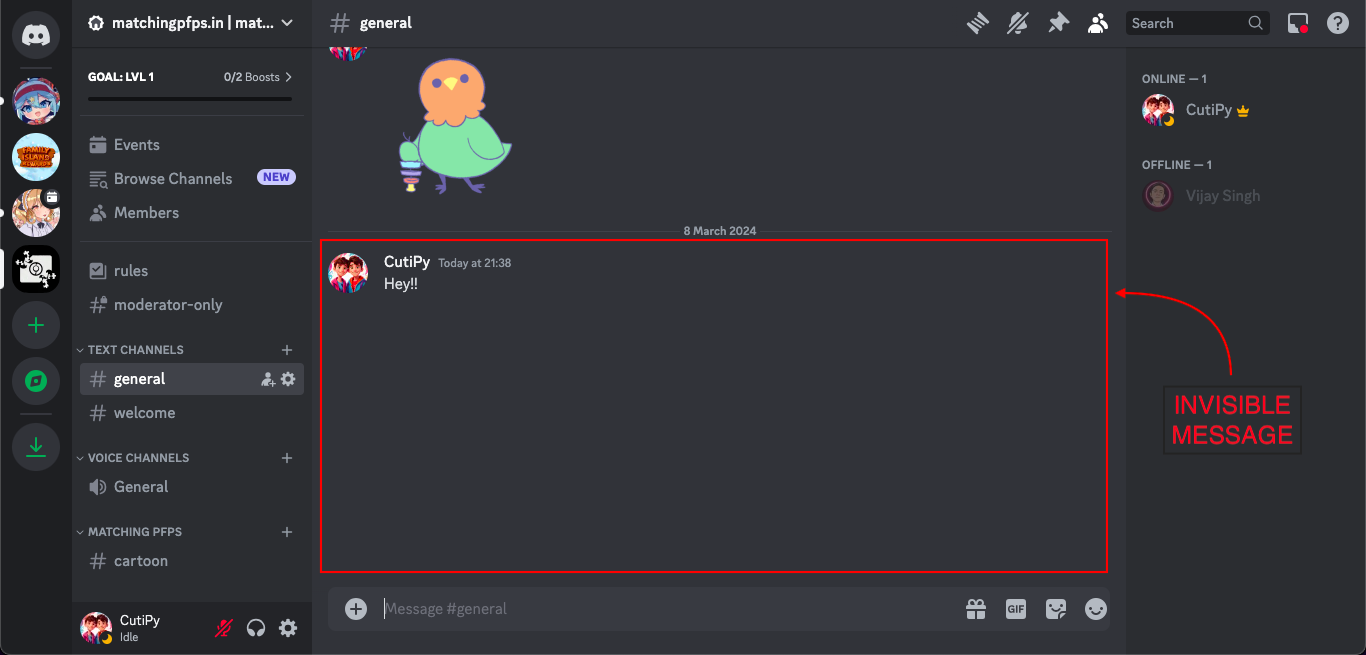
Learn how to send invisible messages on Discord! Add a touch of mystery, surprise your friends, and personalize your chats with these simple tricks.
Read More
Need a better Discord profile picture? Browse our collection of cool, cute, and stylish PFPs.
Read More
Ready to Change? Find the best discord avatar and server logo sizes with some cool tips for a standout profile Discord PFP.
Read More
Changing your Discord profile picture is a breeze. This friendly guide shows you how on any device.
Read More
Spice up your social media game with these best trio matching PFPs! Discover a treasure trove of 100+ captivating avatars to showcase your personality and fandoms.
Read More