Free No Login Icon + Banner + Splash

Discord Server Icon & Banner Downloader

Paste any Discord invite link — download the server's icon, banner, and invite splash image in full resolution.

Don't have an invite? See how to find one below.


What This Tool Downloads — and What It Doesn't

This uses Discord's own public invite-preview data — the same information Discord shows anyone who previews an invite before joining. No bot, membership, or login is required.

✅ What this tool shows

  • Server icon in full resolution, up to 4096px
  • Server banner (boost level 2+ servers), including animated GIF banners
  • Invite splash — the background image shown on the invite screen before joining. Most competing tools don't offer this.
  • Approximate member and online count

🚫 What it cannot show

  • Private channels, messages, or member lists
  • Assets for servers with no active public invite link
  • A server's banner if it's below Boost Level 2 (Discord doesn't grant a banner asset below this tier)
  • A user's profile banner — for that, use the Discord Banner Downloader

Server Icon vs. Server Banner vs. Invite Splash

These are three different images Discord attaches to a server, and this is the only free tool that retrieves all three from a single invite link. The icon is the small circular logo shown in the server list. The banner is a wide image at the top of the server's member list, available once a server reaches Boost Level 2. The invite splash is the background artwork shown behind the "Join Server" invite popup — separate from both, and easy to miss since it only appears at the moment of joining.

Discord Server Icon and Banner Downloader tool preview

How to Find a Discord Invite Link

  1. Open the server in Discord (desktop, web, or mobile).
  2. Right-click the server name (or tap it on mobile) and select Invite People.
  3. Click Copy Link, or generate a new invite if none exists.
  4. Paste the full link (e.g. discord.gg/abc123) or just the code into the box above.

Note: the invite must still be valid (not expired) for the lookup to work, since it relies on Discord's own invite-preview data.

Related Tools

Discord PFP Downloader

Download any user's avatar in full HD up to 4096px.

Discord Banner Downloader

Download a user's profile banner — different from a server's banner.

Discord ID Lookup

Check a user's badges, Nitro status, and account age.

FAQ about the Server Icon & Banner Downloader

No. This reads the same public preview data Discord shows before you join, from the invite link alone.

Discord only grants servers a banner asset once they reach Boost Level 2. Servers below that tier have no banner to retrieve.

It's the background artwork Discord displays behind the invite popup right before someone joins — a separate image from both the icon and the banner, and one most similar tools don't surface.

No — that's a different asset tied to an individual account. Use the Discord Banner Downloader with a User ID for that instead.

No, the invite needs to still be valid. Ask a server member for a fresh invite link if an older one no longer works.

Latest Guides

Explore our newest guides to help you create and improve your profile pictures.
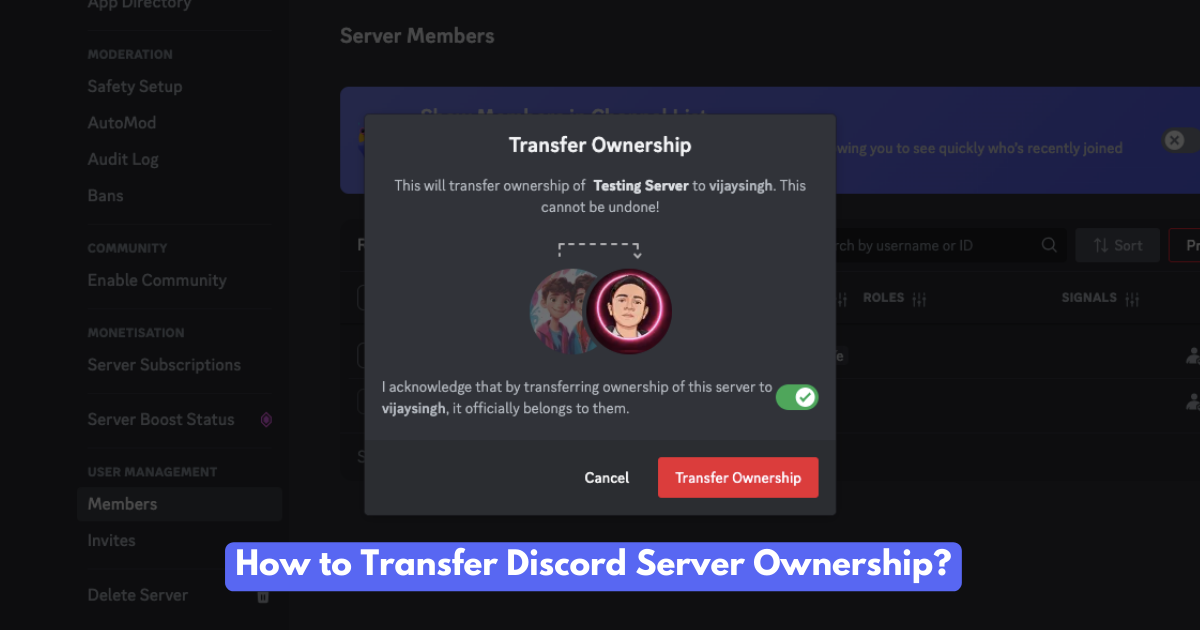
Guides Transfer Discord Server Ownership
How to Transfer Discord Server Ownership

Want to hand over your Discord server? Learn how to transfer ownership, the reasons people do it, and what happens afterward. A complete guide!

Read More
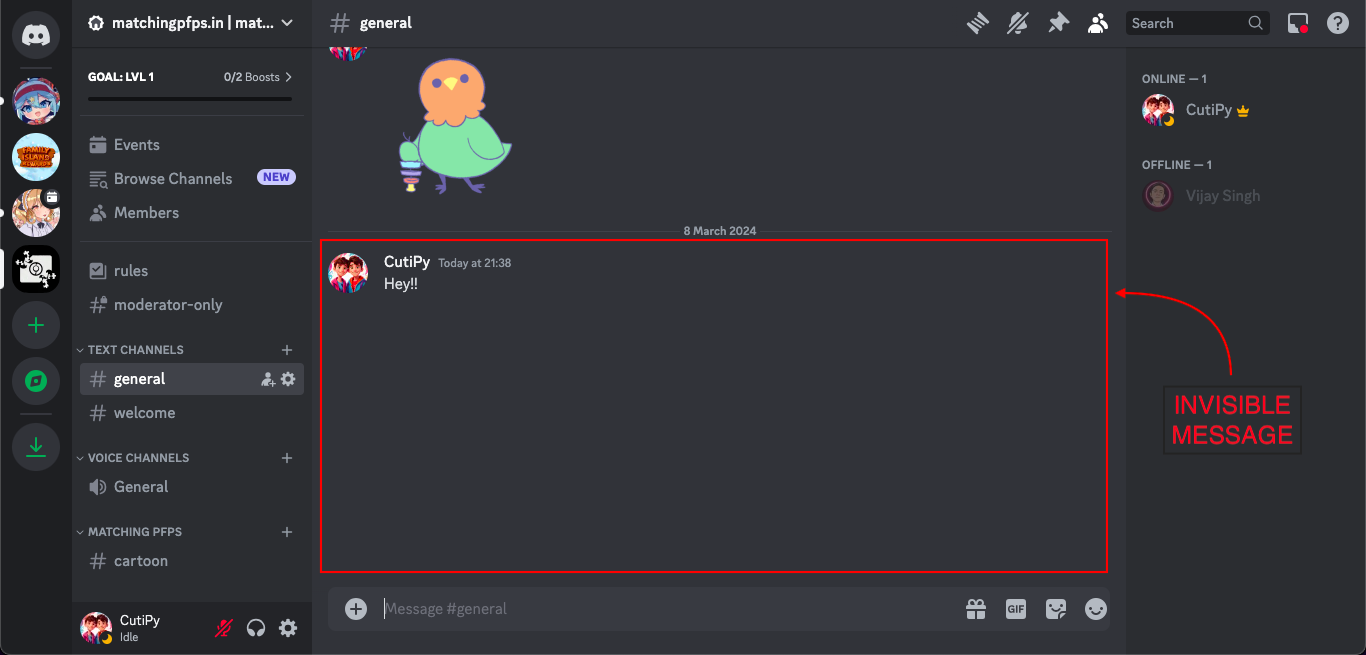
Guides Send Invisible Messages on Discord
How to Send Invisible Messages on Discord? (4 Different Ways)

Learn how to send invisible messages on Discord! Add a touch of mystery, surprise your friends, and personalize your chats with these simple tricks.

Read More
Collection Best Discord PFPs
100+ Best Discord PFPs & Profile Pictures

Need a better Discord profile picture? Browse our collection of cool, cute, and stylish PFPs.

Read More
Guides Best Discord Profile Picture Sizes
Best Discord Profile Picture Sizes [2024]

Ready to Change? Find the best discord avatar and server logo sizes with some cool tips for a standout profile Discord PFP.

Read More
Guides Change Discord Profile Picture
How to Change Your Discord Profile Picture

Changing your Discord profile picture is a breeze. This friendly guide shows you how on any device.

Read More
Collection Best Trio PFPs
100+ Best Trio Matching Pfps & GIFs

Spice up your social media game with these best trio matching PFPs! Discover a treasure trove of 100+ captivating avatars to showcase your personality and fandoms.

Read More

View More Guides