Free
No Login
Up to 4096px Wide
Discord Banner Downloader
Free Discord banner downloader. Paste a Discord User ID to view and download any profile banner in full HD — PNG, WebP, or animated GIF.
Free Discord banner downloader. Paste a Discord User ID to view and download any profile banner in full HD — PNG, WebP, or animated GIF.
This tool only reads the public profile banner Discord returns for a User ID. It doesn't require Nitro, a bot, or a login to use.
A Discord profile banner is the wide image shown at the top of a user's profile card, above their avatar — similar to a cover photo. Free users can set a solid accent color; Discord Nitro subscribers can upload a custom image or animated GIF banner. Discord recommends a banner size of 600×240 pixels minimum, though this tool retrieves it at up to 4096px wide for the sharpest possible download.

Download the matching avatar in full HD alongside this banner.
Download a server's icon, banner, and invite splash from an invite link.
See full profile info — badges, Nitro status, and account age.
Explore our newest guides to help you create and improve your profile pictures.
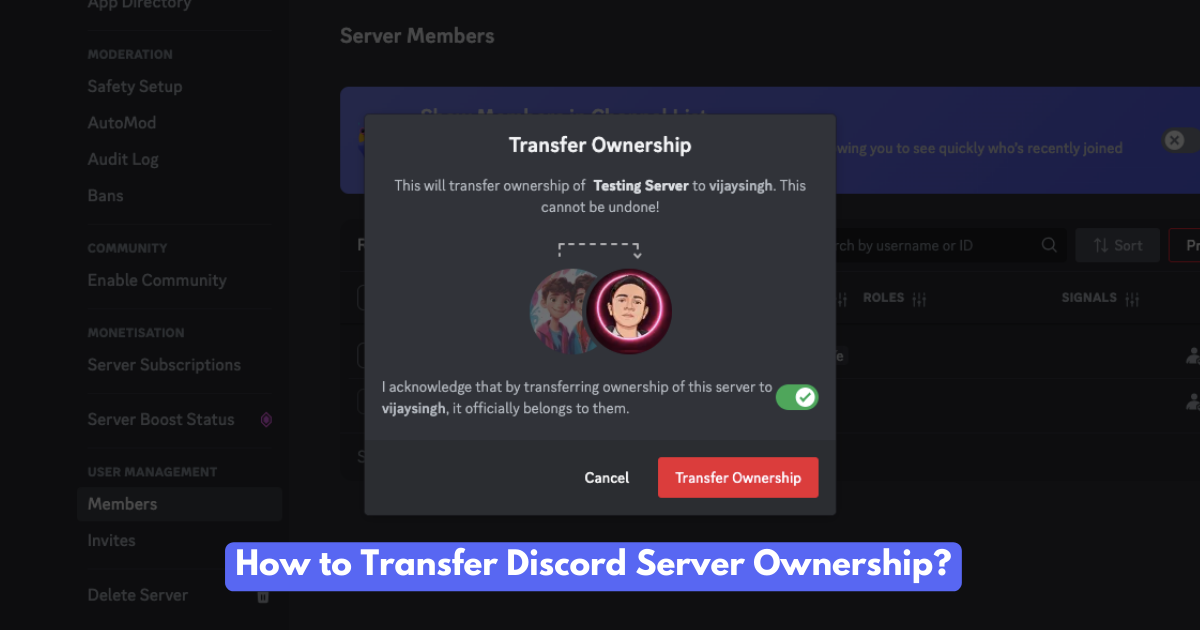
Want to hand over your Discord server? Learn how to transfer ownership, the reasons people do it, and what happens afterward. A complete guide!
Read More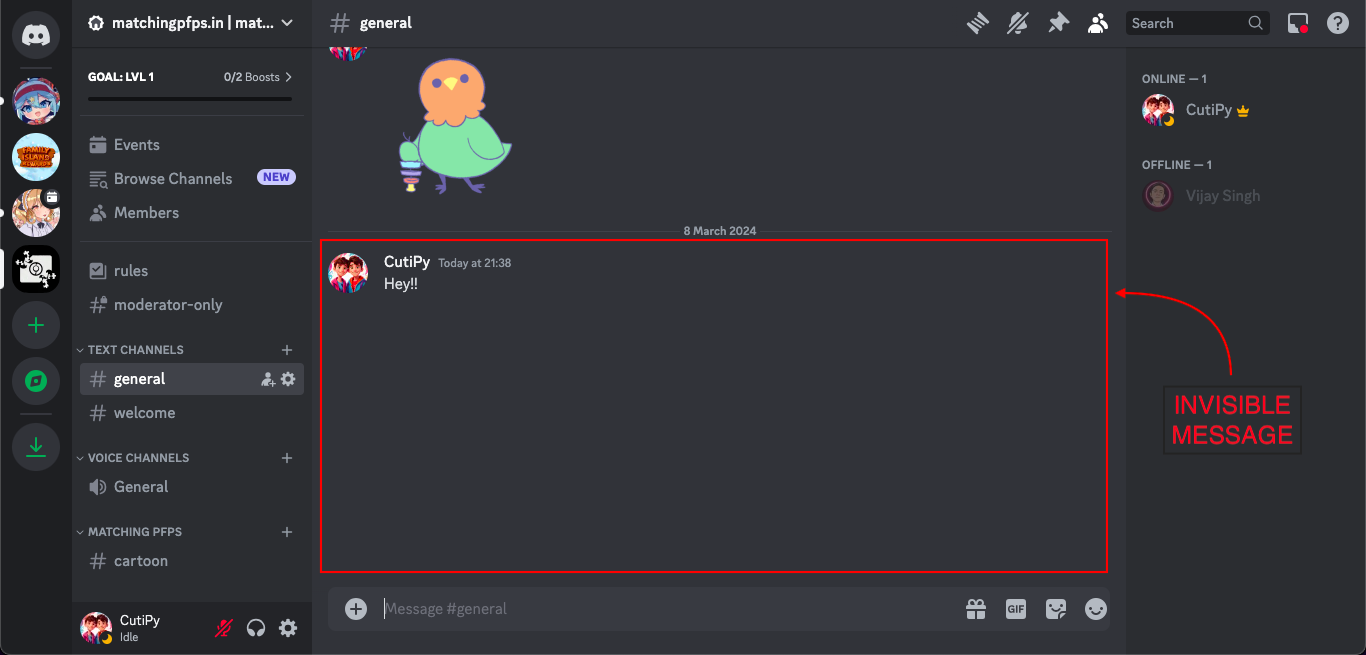
Learn how to send invisible messages on Discord! Add a touch of mystery, surprise your friends, and personalize your chats with these simple tricks.
Read More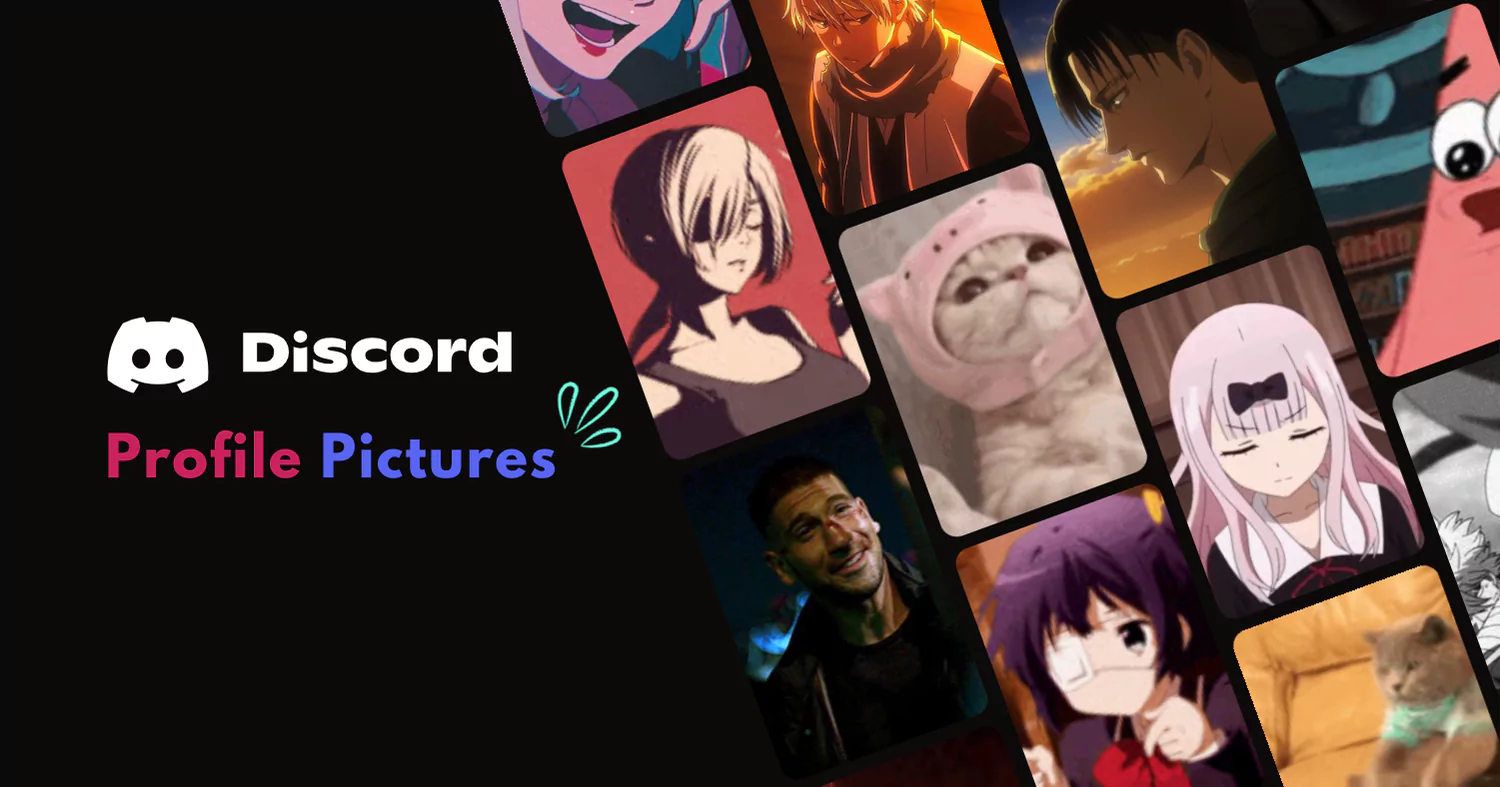
Need a better Discord profile picture? Browse our collection of cool, cute, and stylish PFPs.
Read More
Ready to Change? Find the best discord avatar and server logo sizes with some cool tips for a standout profile Discord PFP.
Read More
Changing your Discord profile picture is a breeze. This friendly guide shows you how on any device.
Read More
Spice up your social media game with these best trio matching PFPs! Discover a treasure trove of 100+ captivating avatars to showcase your personality and fandoms.
Read More PfpFinder